
Why the Same Password on Every Site Is Such a Serious Problem
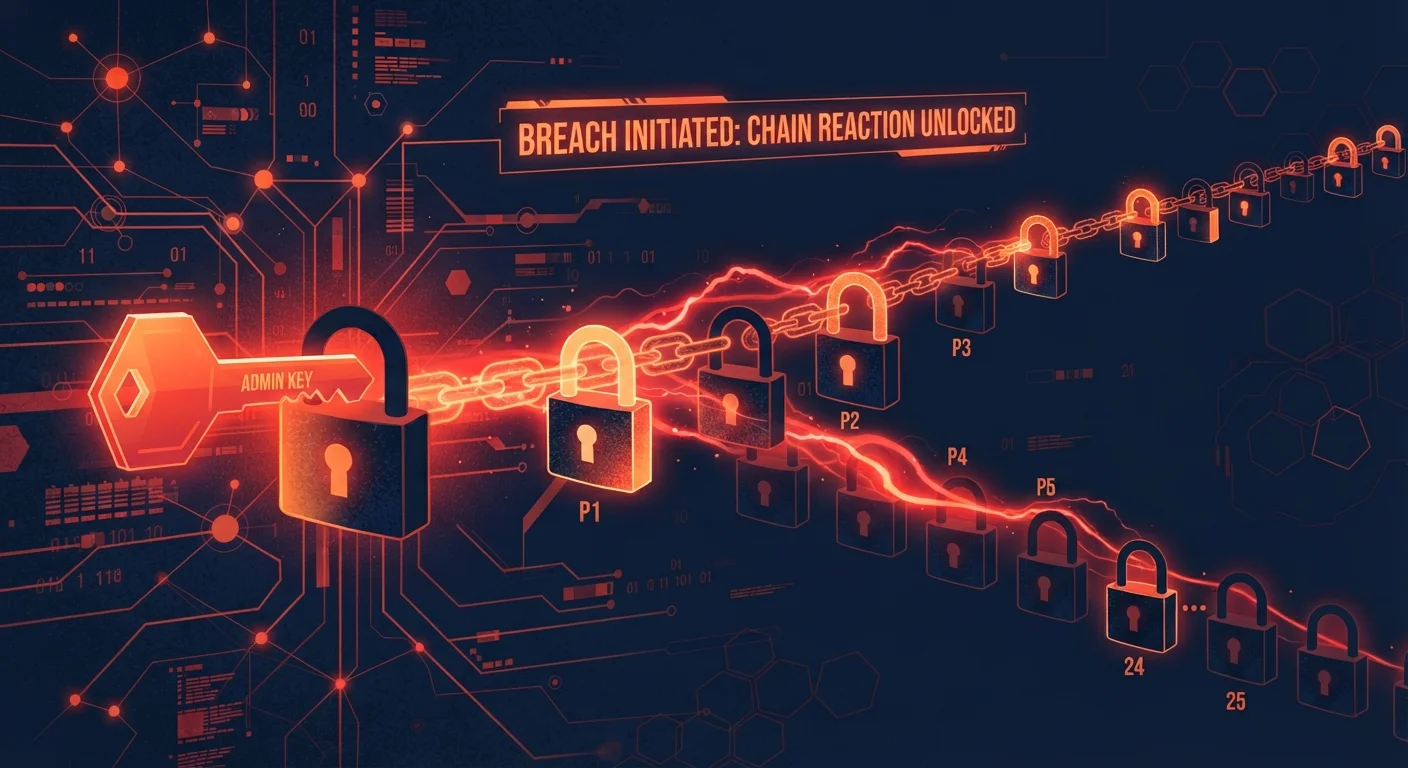
Photo credit: GadgetLite.net | All Things Tech
In this article
One breached site can unlock dozens of accounts if you reuse credentials. Here's how credential-stuffing attacks actually work.
Key Takeaways
- Reusing passwords means one breached site can expose every account that shares those credentials.
- Credential-stuffing attacks are automated and can test millions of logins in hours.
- Using a unique password for each account is the single most effective defense.
- A password manager removes the burden of remembering dozens of different credentials.
- Enabling multi-factor authentication adds a critical second barrier even if your password leaks.
How One Leaked Password Becomes a Master Key
Imagine you use the same email and password combination for your streaming account, your online bank, and your favorite retailer. One day, that streaming service suffers a data breach - something that happens to companies of all sizes. Within days, criminal groups purchase that leaked database and load it into automated software. That software then tries your exact credentials on hundreds of other websites simultaneously.
This is credential stuffing in action. It isn't sophisticated hacking in the Hollywood sense; it's closer to someone who finds your house key and methodically tries it on every door in your neighborhood. The math favors the attacker: if even a small percentage of those logins work, the operation is profitable. Research by security organizations consistently finds that a significant share of leaked credentials succeed on at least one other site.
For a deeper look at how attackers gain access beyond just passwords, see our article on lesser-known ways attackers get into accounts.
65%
Users who reuse passwords across multiple sites
According to a Google/Harris Poll survey, nearly two-thirds of Americans admit to reusing passwords across multiple accounts.
Billions
Leaked credentials in circulation online
Security researchers have documented collections containing billions of email-and-password pairs actively traded in criminal marketplaces.
~0.1%
Typical credential-stuffing success rate per attack
Even a fraction-of-a-percent success rate across billions of attempts translates to millions of compromised accounts per campaign.
Why Humans Are Wired to Reuse Passwords
Password reuse isn't laziness - it's a natural response to an impossible memory burden. The average person manages dozens of online accounts. Expecting anyone to remember a distinct, complex password for each one without any tools is unrealistic. When security systems don't accommodate human memory limits, people find workarounds: they pick one memorable password and reuse it everywhere, or they use minor variations like swapping a number at the end.
Minor variations offer very little protection. Attackers who obtain one of your passwords will often run automated rules that test common modifications - adding a "1", capitalizing the first letter, appending an exclamation mark - before moving on. To understand why these tricks fall short, our guide on what makes a password actually strong explains what security experts actually recommend.
Start With Your Most Important Accounts
You don't have to overhaul every password overnight. Begin with the accounts that matter most: email, banking, and any account that stores payment information. Securing these first dramatically reduces your most serious exposure. Work through remaining accounts at a manageable pace.
The Practical Fix: Unique Passwords Without the Memory Work
The solution is straightforward in principle: every account needs its own unique password. In practice, a password manager makes this achievable. A password manager generates long, random passwords - strings of characters no human could memorize - and stores them securely behind a single master password that only you know. When you visit a site, the manager fills in your credentials automatically.
Beyond unique passwords, enabling multi-factor authentication (MFA) on important accounts creates a second line of defense. MFA requires a second verification step - typically a code sent to your phone or generated by an app - in addition to your password. Even if an attacker has your correct credentials, they still can't get in without that second factor. Account takeover scams are significantly harder to execute against accounts protected by MFA.
Checking Whether Your Credentials Are Already Out There
If you've been reusing passwords for years, some of your credentials may already be in criminal databases without your knowledge. Free, publicly available services allow you to check your email address against known breach records. If a match appears, treat that password as fully compromised: change it on the breached site and update it anywhere else you used the same credentials.
Going forward, the habit to build is simple: each time you create a new account, let a password manager generate and save a unique password rather than inventing one yourself. This single change eliminates the structural vulnerability that credential stuffing exploits. For situations where you're logging in from shared or public devices, our article on protecting your accounts on public and shared networks covers the additional precautions worth taking.
Old Accounts Still Carry Risk
Accounts you created years ago and rarely use are still potentially exploitable if their credentials appear in a breach. Consider closing accounts you no longer need. For those you keep, updating the password removes the lingering risk even if the account sees little activity.
Frequently Asked Questions

Author
Cyber Security Editorial Team
Cyber Security Editorial Team is the collective byline for our editorial team and contributor network. Articles published under this byline or an editorial pen name are researched, written, and reviewed according to our editorial standards for clarity, consistency, and independence before publication.
View all articles →