
Common Myths About Wi-Fi Speed That Lead People Astray
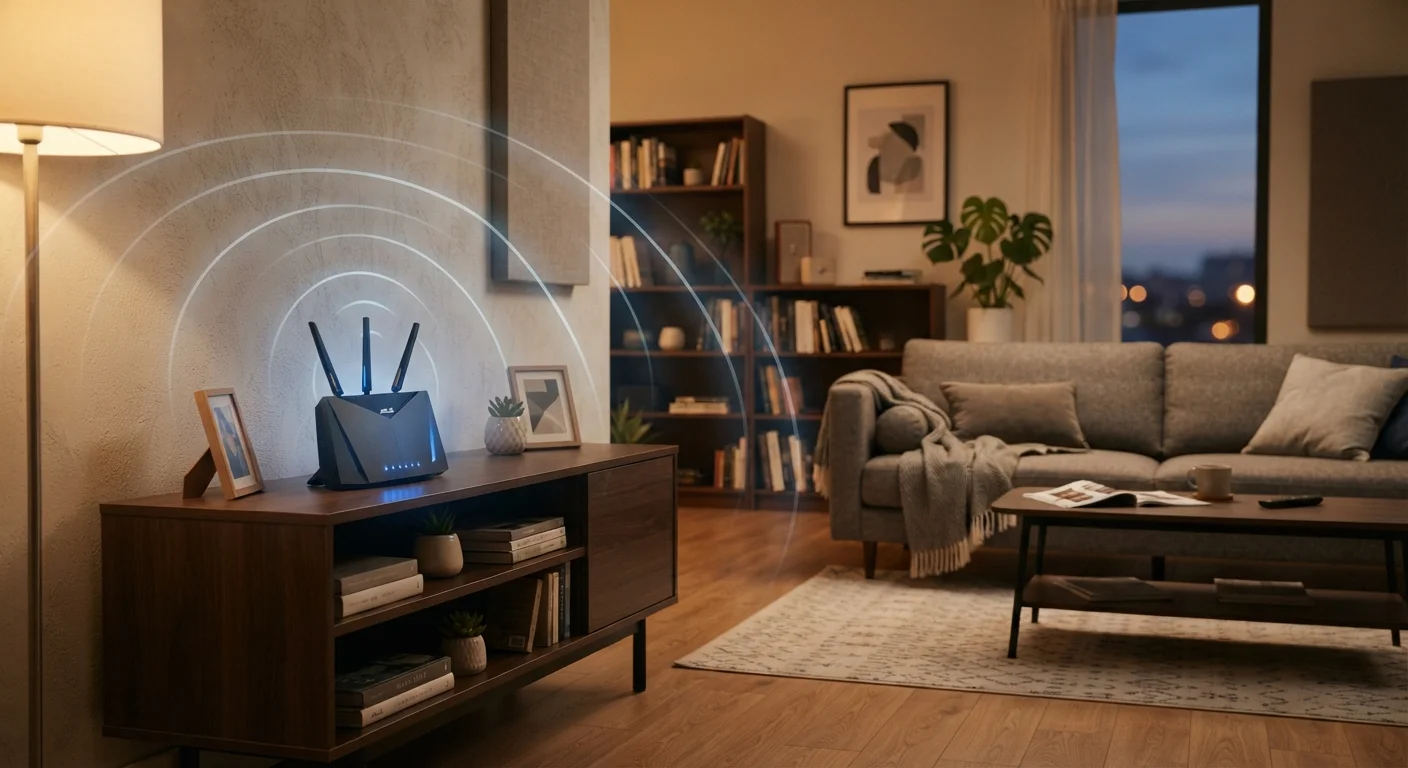
Photo credit: GadgetLite.net | All Things Tech
From router positioning folklore to misunderstood speed test numbers, several popular Wi-Fi beliefs don't hold up to scrutiny.
Key Takeaways
- Your internet plan's advertised speed is a ceiling, not a guaranteed floor.
- Router placement matters, but no single spot is universally perfect for every home.
- More devices on the same network do reduce available bandwidth, but not equally.
- Speed test results measure your connection to a test server, not your real-world experience.
- Switching to 5 GHz doesn't always mean faster - it depends on distance and walls.
Why Wi-Fi Myths Spread So Easily
Home Wi-Fi is one of those things most people use constantly but rarely think about deeply. That gap between daily use and real understanding is exactly where myths take root. A neighbor swears by a particular router spot. A tech blog says more antennas always mean better signal. Someone on a forum blames their slow streaming on too many connected devices. Some of these ideas contain a grain of truth, which is precisely what makes them sticky.
The problem is that acting on bad information can leave you frustrated - rearranging furniture, buying equipment you don't need, or blaming your provider for a problem that's actually inside your walls. This article walks through the most common Wi-Fi speed myths and replaces them with what the evidence actually shows. For a deeper look at how misconceptions in related areas create real problems, see our piece on cloud backup myths.
Myth
If I'm paying for 500 Mbps internet, every device in my home should get 500 Mbps over Wi-Fi.
Fact
Your plan's speed is the maximum your connection can receive from your ISP - it's shared across all devices and further reduced by router hardware and wireless overhead.
Internet service providers advertise speeds that represent the best-case throughput from their network to your modem. Once that signal travels through your router and broadcasts wirelessly, several things reduce it: the router's own processing capacity, how many devices are active, the distance to each device, and interference from walls and appliances. A single device close to the router in a quiet environment might come close to the plan's ceiling; a tablet in the next room during a busy evening will get considerably less. Thinking of the advertised number as a household budget rather than a personal allowance is more accurate.
Myth
Putting the router in a corner of the house keeps the signal contained and more secure.
Fact
Corner placement almost always weakens coverage for the rest of the home without meaningfully improving security.
Wi-Fi signals radiate outward in all directions. Placing a router in a corner wastes roughly half that signal on exterior walls and open air outside your home - the very areas you're not trying to cover. The idea that a corner placement somehow contains the signal and keeps it away from neighbors doesn't hold up: wireless signals pass through walls regardless of where the router sits. Central, elevated placement reaches more of the interior. Security is better addressed through strong passwords and WPA3 encryption, not router geography.
Myth
Speed test results tell me exactly what speeds my streaming or gaming will experience.
Fact
Speed tests measure throughput to a specific test server at one moment in time - they don't reflect real-world conditions for every app or service.
Speed tests are useful diagnostic tools, but they have real limits. They measure the connection between your device and a single server, often one chosen to produce the best result. Your streaming service, gaming platform, or video call software connects to entirely different servers that may be located farther away or routed through different network paths. Latency (the delay in data travel), packet loss, and network congestion along those specific routes matter as much as raw speed. A strong speed test result alongside poor gaming performance usually points to latency or routing issues, not raw bandwidth.
Myth
The more antennas a router has, the stronger and faster its Wi-Fi will be.
Fact
Antenna count affects the router's ability to handle multiple streams simultaneously, not necessarily the raw speed or range for any single device.
Multiple antennas support a feature called MIMO, which allows a router to send and receive data on several streams at once. This genuinely helps in homes with many active devices. However, a device can only take advantage of as many streams as its own hardware supports - most smartphones and laptops handle two or three. A router with eight antennas won't make your older laptop faster; it helps manage the overall household load more efficiently. Router performance depends more on the Wi-Fi generation (Wi-Fi 5, Wi-Fi 6, etc.) and processor quality than antenna count alone.
Myth
Switching to the 5 GHz band will always give me faster speeds than 2.4 GHz.
Fact
5 GHz is faster at close range but loses speed and range rapidly through walls and distance - in some situations, 2.4 GHz is genuinely the better choice.
The 5 GHz band offers higher maximum speeds and less interference in dense wireless environments, but it struggles with physical obstacles. Thick walls, floors, and large appliances can cut its effective range significantly. If your device is two rooms away from the router, it may actually connect faster and more reliably on 2.4 GHz, which travels farther and penetrates obstacles more effectively. The right band depends on where you are in the home relative to the router, not a blanket rule that one frequency is always superior.
What You Can Actually Do to Improve Speed
Once you've cleared out the myths, a few practical moves tend to make a genuine difference. Router placement is one of the highest-impact changes most people can make without spending anything - a central, elevated location away from thick walls and appliances is a good starting point. For a thorough breakdown of placement principles, our router placement guide covers the key decisions in detail.
Understanding your router's frequency bands is another practical lever. The 2.4 GHz band travels farther but gets crowded; the 5 GHz band is faster but shorter-range. Knowing which to use and when can meaningfully change performance on specific devices. Learn how the two bands compare and which situations call for each.
~50%
Wi-Fi speed lost through a single interior wall
Signal attenuation through common building materials is well-documented in wireless networking research; actual loss varies by wall composition and frequency band.
2-4x
Speed improvement moving router to a central location
Home networking studies consistently show central placement reduces dead zones and improves average device throughput compared to corner or closet placement.
Beyond placement and band selection, restarting your router periodically, keeping its firmware updated, and reducing interference from cordless phones or microwaves are all low-effort steps with real payoffs. None of them require new hardware or a technician.
Don't Chase Speed Test Numbers Alone
It's tempting to use a speed test as the single measure of your Wi-Fi health, but a high download number won't reveal latency problems, band congestion, or interference issues that make streaming choppy or video calls drop. If you're experiencing real-world slowdowns despite strong test results, check which devices are active on your network, look at your router's band usage, and consider whether interference from nearby networks might be a factor.

Author
Cloud Editorial Team
Cloud Editorial Team is the collective byline for our editorial team and contributor network. Articles published under this byline or an editorial pen name are researched, written, and reviewed according to our editorial standards for clarity, consistency, and independence before publication.
View all articles →