
Keeping Your Cloud Files Organised So You Can Actually Find Them
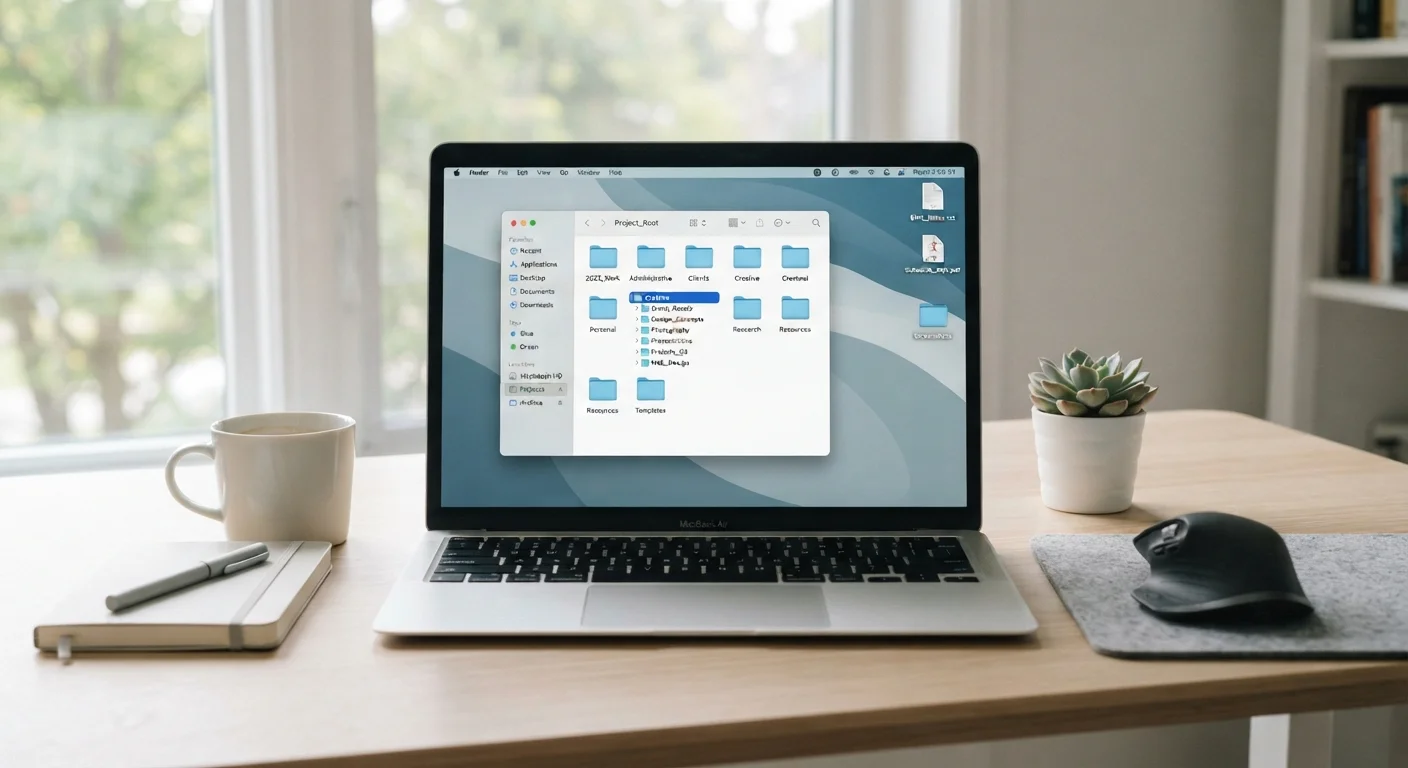
Photo credit: GadgetLite.net | All Things Tech
In this article
A practical approach to folder structures, naming conventions, and habits that stop cloud storage from becoming a digital junk drawer.
Key Takeaways
- A consistent folder structure is more valuable than any single naming trick.
- File names should describe content and date without relying on memory.
- A quick monthly review prevents clutter from building up over time.
- Cloud storage and true backup are not the same thing - know the difference.
- Good organisation habits take minutes to build but save hours of searching.
Why Cloud Storage Turns Into a Mess So Quickly
Cloud storage feels effortless at first. You save a file, it syncs, done. But because there's no physical weight to digital files - no drawer getting full, no desk getting cluttered - most people just keep dumping things in without thinking. Before long, your cloud drive looks like a junk drawer: photos, contracts, receipts, and random screenshots all piled together.
The good news is that fixing this doesn't require any special software or technical know-how. It just takes a simple system and a few consistent habits. If you've ever wondered whether cloud storage is even worth it for your situation, our piece on the trade-offs of storing everything in the cloud is worth a read first. Assuming you're in, here's how to keep things tidy.
What You'll Need Before You Start
No special tools required - just access to your cloud service and about 15-45 minutes depending on how much is already saved there.
What you will need
Start Fresh, Not From Scratch
If your existing files are a disaster, don't try to reorganise them all before building your new structure. Create the new folder system first, then migrate files in gradually as you naturally access them. This approach is far less overwhelming and still gets you to an organised state within a few weeks.
Step-by-Step: Building a System That Sticks
Follow these steps in order. The goal isn't perfection - it's a structure you'll actually use.
List your top-level categories
Before touching a single folder, jot down four to six broad areas of your life that generate files. Common examples: Work, Personal, Finances, Photos, Home. These become your top-level folders - the ones you see the moment you open your drive. Keep this list short. If everything is a category, nothing is.
Create the folder structure
Inside each top-level folder, add subfolders for specific projects or recurring topics. For example, inside Work you might have Projects, Admin, and Reference. Inside Finances you might have Tax Returns, Receipts, and Insurance. Go two levels deep at most to start - deep nesting makes things harder to find, not easier.
Adopt a consistent file naming convention
Names like document1.pdf or final_FINAL_v3.docx are useless when you're searching six months later. Use a pattern that includes the date and a short description: YYYY-MM-DD_description. For example: 2024-03-15_tax-return-federal or 2024-08-02_lease-renewal-apartment. Dates at the front keep files sorted chronologically automatically.
Move existing files into the new structure
Now sort what you already have. Don't try to do it all at once if your drive is large - work through one top-level category per session. When you find files that don't fit anywhere, create a temporary Unsorted folder and deal with it separately rather than letting it block your progress.
Delete or archive what you no longer need
As you sort, flag anything you haven't touched in over two years and genuinely don't need. Delete duplicates - cloud services often accumulate multiple copies of the same file across sync events. For documents you want to keep but rarely access (old tax returns, completed projects), move them into an Archive subfolder inside the relevant category so they're out of your way but not gone.
Staying Organised Over Time
Setting up a folder structure is the easy part. The harder part is keeping it that way. A few small habits make all the difference.
First, file things as you go rather than saving everything to a catch-all folder to sort later. "Later" almost never comes. Second, schedule a monthly five-minute review - just scroll through your top-level folders and move anything out of place. Third, when you create a new project, make the folder before you start saving files, not after.
Don't Rely on Search Alone
Cloud search tools are genuinely useful, but they're not a substitute for organisation. Search works well when you remember a keyword - but if a file is named "document7" or a photo has only a date stamp, search won't help you. Good naming and folder structure make search faster and more reliable, not redundant.
One more thing worth knowing: being organised in the cloud doesn't mean your files are protected. Cloud storage and backup are different concepts. Our article on why cloud storage isn't the same as a real backup explains exactly where people go wrong. For broader habits that keep files safe and accessible over the long haul, take a look at cloud storage habits for everyday users.
If you share folders with others, staying organised becomes even more important - messy shared drives cause real confusion. See how to share cloud files without losing control for a practical guide to permissions and links.

Author
Cloud Editorial Team
Cloud Editorial Team is the collective byline for our editorial team and contributor network. Articles published under this byline or an editorial pen name are researched, written, and reviewed according to our editorial standards for clarity, consistency, and independence before publication.
View all articles →