
Updating Software: The Habits That Keep Your Devices Running Smoothly
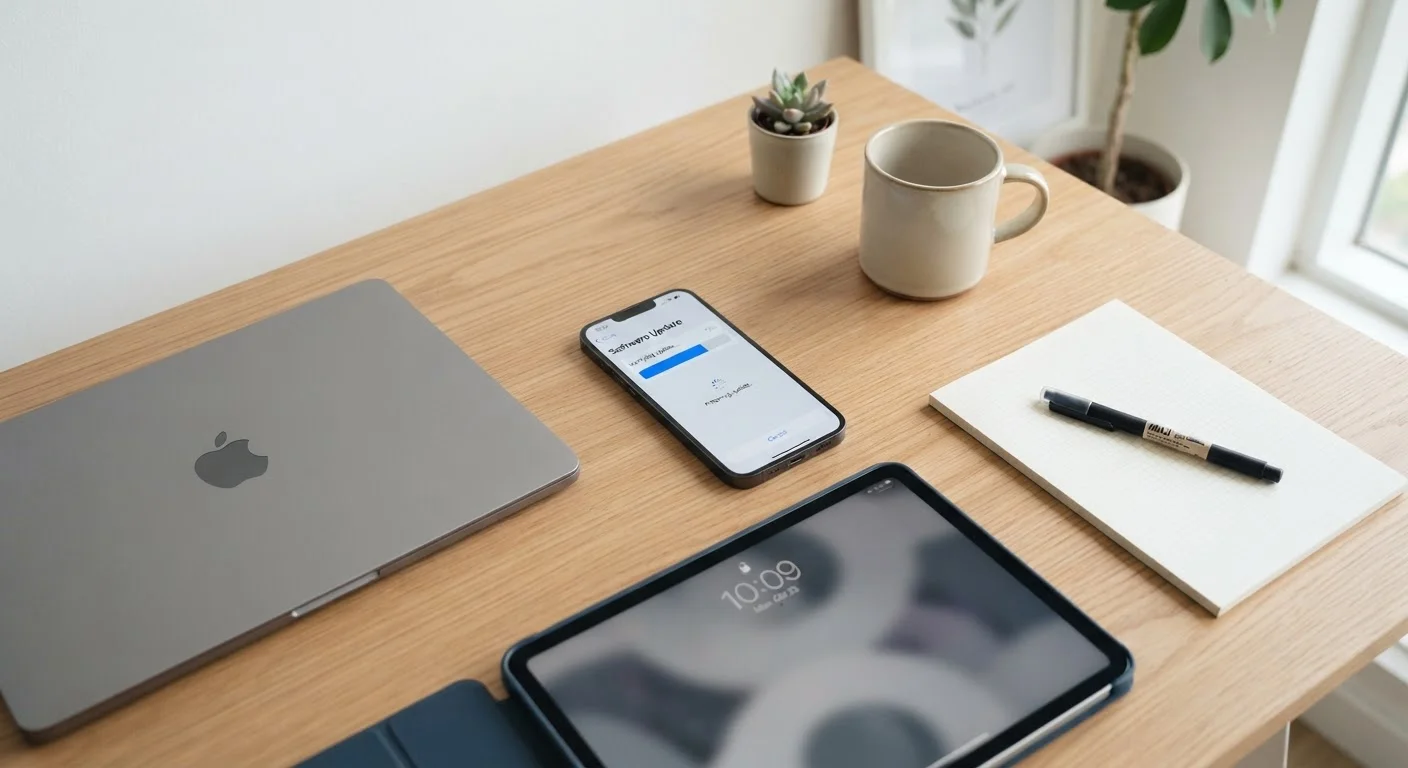
Photo credit: GadgetLite.net | All Things Tech
In this article
Updates aren't just about new features. Learn why timely software updates matter and how to manage them without disrupting your routine.
Key Takeaways
- Software updates fix security vulnerabilities, not just add features - skipping them leaves your device exposed.
- Enabling automatic updates removes the decision fatigue of managing updates manually across multiple devices.
- Not all updates are equal - OS updates, app updates, and firmware each serve different purposes.
- Updating over Wi-Fi and during low-activity periods minimizes disruption to your routine.
- Keeping a backup before major updates protects your data if something goes wrong.
Why Software Updates Are About More Than New Features
When an update notification pops up, it's easy to dismiss it and move on. But software updates do a lot more than add a fresh look to an app or tweak a menu. The majority of updates - especially for operating systems - include security patches that close vulnerabilities discovered since the last release.
Hackers and malicious software often target older, unpatched versions of apps and operating systems precisely because users delay updates. Staying current is one of the most straightforward ways to reduce that exposure without spending anything extra.
Updates also fix bugs that cause crashes, battery drain, and connectivity issues. If your phone has been running slower or an app keeps freezing, an available update may already contain the fix. For a broader picture of what's typically bundled into major OS releases, see what mobile OS updates usually bring.
Updates Don't Always Mean Upgrades
It's worth separating software updates from hardware upgrades. Keeping your current device updated is almost always the right move - it's free, improves performance, and extends the useful life of what you already own. If you're being nudged toward a new device purchase, our article on the electronics upgrade trap can help you assess whether that pressure is warranted.
Understanding the Different Types of Updates
Not every update works the same way, and knowing the difference helps you prioritize:
- Operating system updates - These affect everything on your device. They include security patches, performance improvements, and occasionally new interface features. On phones and tablets, these come from Apple or Google (or your carrier). On PCs, they come from Microsoft or Apple.
- App updates - These come from individual developers through your app store. They range from minor bug fixes to major redesigns. If you've ever felt thrown off by a sudden interface change, our article on why your favourite app keeps changing explains the reasoning behind that.
- Firmware updates - These update the low-level software built into hardware components. Routers, smart home devices, and wearables all receive firmware updates. They're easy to overlook but critical for security and function. Our piece on software that runs your device without you seeing it covers how this layer works.
57%
Of breaches exploit known, unpatched vulnerabilities
According to a Ponemon Institute report, more than half of data breaches involved a vulnerability that a patch had already been released to address.
30+ days
Average delay before users apply available updates
Research from cybersecurity organizations has consistently found that many users wait weeks or longer before applying available security updates to their devices.
Practical Habits That Make Updating Easier
The biggest barrier to updating consistently isn't awareness - it's friction. These habits reduce that friction significantly.
Enable automatic updates for your operating system wherever possible.
Manual updates depend on you remembering to act - and most people don't. Automatic updates ensure security patches are applied promptly, even when you're busy or distracted. Most operating systems let you schedule restarts so updates don't interrupt active use.
Set app stores to update apps automatically in the background.
Individual apps can have their own vulnerabilities. Waiting for manual updates means you may be running outdated, potentially insecure versions for weeks. Background app updates happen silently and require no action from you.
Update over Wi-Fi during low-use periods - such as overnight.
Large updates over cellular data can eat into your data plan and slow your connection during use. Scheduling updates for off-peak times prevents interruptions and avoids unexpected data charges.
Back up your device before applying any major OS update.
Major OS upgrades occasionally cause unexpected issues on certain devices. A current backup means you can restore everything if a problem arises, so you're never at risk of losing photos, contacts, or app data.
Don't ignore firmware updates for routers and smart home devices.
These devices often sit unattended for years, making them prime targets for network-based attacks. Router manufacturers regularly release patches for discovered vulnerabilities that most users never apply.
Getting Started: Quick Actions You Can Take Today
You don't need to overhaul your entire routine to improve your update habits. A few targeted actions this week can put you in a much stronger position across all your devices - phones, tablets, laptops, and even smart home hardware covered in the Home Tech Essentials hub.

Author
Apps & Software Editorial Team
Apps & Software Editorial Team is the collective byline for our editorial team and contributor network. Articles published under this byline or an editorial pen name are researched, written, and reviewed according to our editorial standards for clarity, consistency, and independence before publication.
View all articles →