
Staying in Control: Ongoing Habits for Better App Privacy
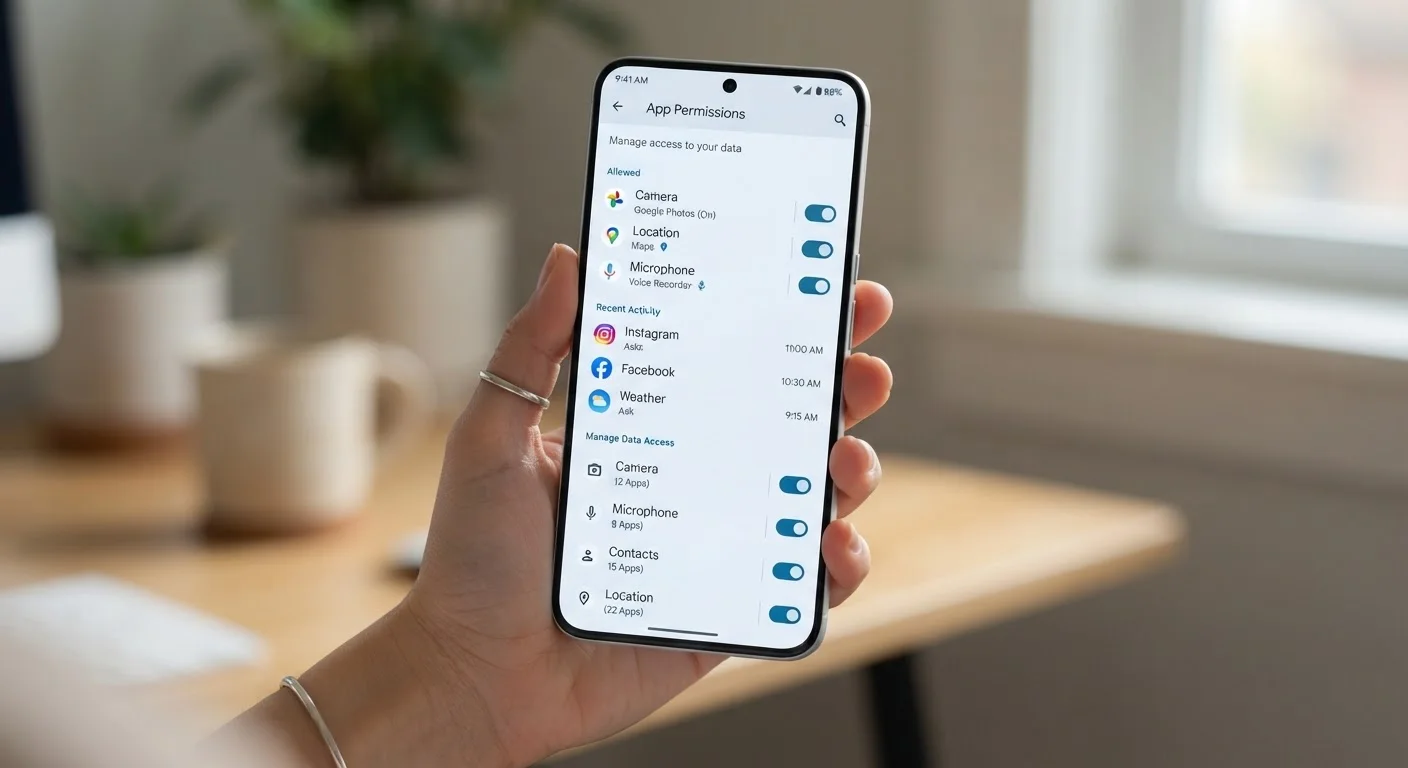
Photo credit: GadgetLite.net | All Things Tech
In this article
Good app privacy isn't a one-time fix. These practical, repeatable habits help you stay in control of your data over the long term.
Key Takeaways
- App privacy requires regular attention - not just a single setup session - to stay effective.
- Reviewing permissions every few months catches changes apps make silently after updates.
- Limiting permissions to only what an app actively needs reduces your data exposure significantly.
- Deleting unused apps is one of the simplest ways to reduce your overall privacy risk.
Why App Privacy Is a Habit, Not a One-Time Fix
Many people think about app privacy once - usually when setting up a new phone - and then move on. But apps evolve constantly. They update, request new permissions, and sometimes quietly expand what data they collect. A single setup session won't protect you six months later.
Building repeatable habits around privacy is far more reliable. Small, consistent actions compound over time, keeping your data exposure low without requiring hours of effort. Think of it like locking your front door: you don't do it once and forget - it becomes automatic.
For a structured starting point, our App Privacy Audit checklist walks you through a full review of permissions and connected accounts. But the habits below are what keep that audit from being wasted work.
Core Habits That Make a Real Difference
Review app permissions on a quarterly schedule
App updates can introduce new permission requests without obvious notifications. Checking your permissions every three months ensures you catch any changes before they become ingrained habits or long-term data leaks. Regular reviews also help you spot apps you've forgotten about.
Grant only the minimum permission each app actually needs
Many apps request broad permissions during installation, but only a fraction of those permissions are necessary for the app's core function. Limiting access reduces the amount of personal data an app can collect or potentially expose in a breach.
Delete apps you haven't used in the past 60 days
Unused apps sitting on your phone can still run background processes, receive updates, and in some cases continue collecting data. Removing them eliminates risk from apps you no longer actively choose to trust.
Keep apps updated to receive privacy and security patches
Developers regularly release updates that fix known privacy vulnerabilities and tighten data-handling practices. Running outdated app versions leaves known security gaps open longer than necessary.
Review connected third-party accounts periodically
Logging into apps with 'Sign in with Google' or 'Sign in with Apple' creates ongoing account connections. Apps you stopped using may still have access to your linked account data unless you manually revoke it.
These practices aren't complicated, but consistency is everything. Each one addresses a real and common way that everyday apps can quietly accumulate more access to your personal information than they actually need.
Quick Actions You Can Take Right Now
You don't need to overhaul everything at once. A few targeted actions today can meaningfully reduce your risk while you build longer-term habits into your routine.
For ideas on keeping your app collection organized so nothing slips through unnoticed, see our guide on organising your phone's apps. A decluttered home screen makes it much easier to spot unfamiliar or forgotten apps.
Staying Informed Without Becoming Overwhelmed
Permissions Can Change After App Updates
Some apps request new permissions during a version update, often with little fanfare. On both iOS and Android, you can check what permissions each app currently holds in your device's Settings app - not just what was granted when you first installed it. Making this part of a routine review means you won't miss silent changes.
You don't need to follow every privacy news story or read every terms-of-service update. What helps more is knowing where to look on your own device and committing to a light quarterly check-in. Set a reminder every three months to review your installed apps, check permission levels, and remove anything you no longer use.
For broader guidance on protecting your personal data online, explore our Privacy Basics hub - it covers practical steps that go beyond apps and into your wider digital life.
Privacy habits don't need to be stressful. When you build them into routines you already have - like when you update your phone or spring-clean your home screen - they become second nature rather than another item on your to-do list.

Author
Apps & Software Editorial Team
Apps & Software Editorial Team is the collective byline for our editorial team and contributor network. Articles published under this byline or an editorial pen name are researched, written, and reviewed according to our editorial standards for clarity, consistency, and independence before publication.
View all articles →