
App Data Terminology Glossary: From Permissions to Privacy Labels
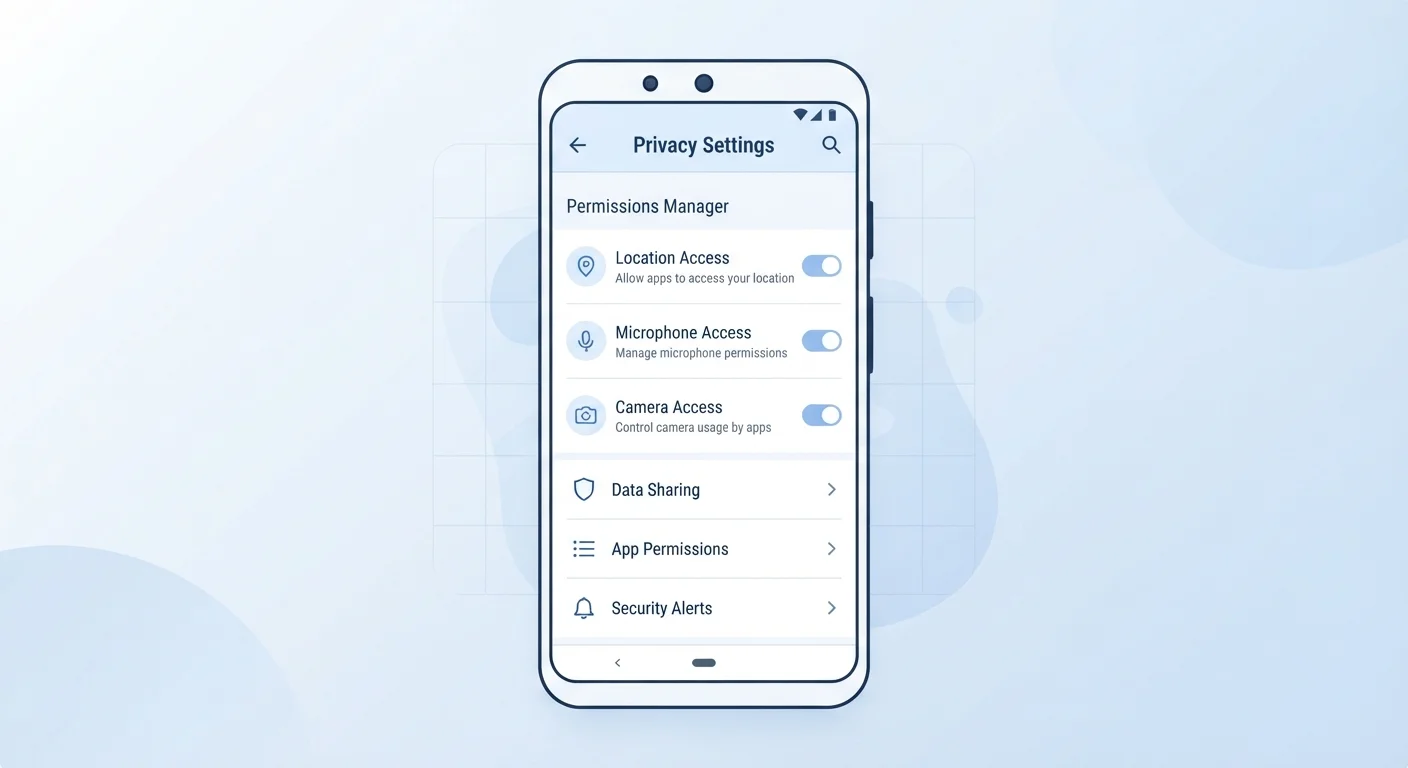
Photo credit: GadgetLite.net | All Things Tech
In this article
A quick-reference glossary of common app privacy terms — data broker, trackers, permissions, privacy label — explained simply.
Why These Terms Matter Every Time You Install an App
Every app you download comes with a set of invisible decisions built in - about what data it collects, who it shares that data with, and how long it keeps it. Understanding the vocabulary behind those decisions is the first step toward making informed choices.
This glossary covers the terms you're most likely to encounter on app store listings, in settings menus, and in news coverage about digital privacy. Whether you're evaluating a new download or reviewing apps you've had for years, these definitions give you a practical foundation. For a broader look at the permissions side specifically, see what app permissions actually mean.
| Number of app permissions Android can request | Over 200 distinct permissions (Android developer documentation) |
| Privacy label requirement: Apple App Store | Required since December 2020 (Apple App Store guidelines) |
| Privacy label requirement: Google Play | Required since July 2022 (Google Play policy update) |
| Common sensitive permission categories | Location, microphone, camera, contacts, storage (iOS and Android permission frameworks) |
Core App Privacy Terms, Defined
The terms below cover the most common concepts you'll encounter when thinking about app data. Use this as a quick reference whenever a term appears in a privacy policy, an app store listing, or a permissions prompt you're not sure about.
App Permission
An explicit request an app makes to access a specific feature or data on your device - such as your camera, contacts, or location. You can typically approve or deny each permission individually in your phone's settings.
Privacy Label
A standardized summary displayed on an app's store listing that describes what data the app collects and how it is used. Apple's App Store and Google Play both require developers to provide these disclosures.
Data Broker
A company that collects personal data from various sources - including apps, public records, and purchase histories - and sells or licenses that information to third parties, often without users' direct knowledge.
Tracker
Code embedded inside an app that monitors your behavior, such as which features you use, how long you stay on a screen, or where you go. Trackers are frequently used for advertising targeting and analytics.
First-Party Data
Information collected directly by the app or company you are interacting with - for example, your name and email address entered during sign-up. This is distinct from data gathered by third-party services embedded in the app.
Third-Party Data Sharing
When an app passes your personal data to an outside company, such as an ad network or analytics provider. This sharing may happen automatically in the background unless you opt out.
Opt-In vs. Opt-Out
Opt-in means you must actively agree before data is collected or shared. Opt-out means collection starts by default and you must take action to stop it. Opt-in is generally considered the more privacy-protective approach.
Fingerprinting
A tracking technique that identifies your device by combining technical details - such as screen size, browser version, and installed fonts - rather than relying on cookies or stored identifiers. It is difficult to block.
Sensitive Data
Categories of personal information that carry higher privacy risk, including health records, precise location, financial details, biometrics, and communications content. Many privacy laws give these categories extra protections.
Data Minimization
The practice of collecting only the data strictly necessary to provide a service, and no more. It is a core principle in major privacy regulations and a useful thing to look for in a developer's stated data practices.
Consent Banner
A pop-up or notice that asks for your agreement before an app or website uses cookies or tracking technologies. Required under laws such as the EU's GDPR, though increasingly common on U.S. platforms as well.
Privacy Policy
A legally required document explaining how an app collects, uses, stores, and shares your personal data. Policies vary widely in clarity; a short, plain-language policy is generally easier to evaluate than a lengthy legal document.
If you're newer to thinking about app safety overall, the beginner's introduction to app safety covers data collection habits and safe download practices in plain language.
Putting the Terminology Into Practice
Knowing these terms changes how you read an app store listing. Before installing, check the privacy label for whether the app collects data linked to your identity, and note whether any sensitive data categories - health, location, financial - are listed. If the app requests permissions that don't match its core function (a flashlight app asking for contacts, for example), that mismatch is worth questioning.
Privacy Labels Are Not Verified by Default
On both Apple's App Store and Google Play, privacy label information is self-reported by developers. Neither platform independently audits every claim before publication. Reading the label is a useful first step, but it works best alongside checking recent user reviews and the app's full privacy policy for consistency.
Once you've brushed up on the terminology, the natural next step is a hands-on review of what's already on your device. The app privacy audit checklist walks you through reviewing permissions and data-sharing settings app by app. For terminology that extends beyond apps into broader data privacy topics, the personal data glossary covers 20 additional terms worth knowing.
72%
Users who feel they have little control over data
According to a Pew Research Center survey on Americans and privacy, a large majority of U.S. adults believe they have very little control over what companies do with their personal data.
~80%
Free apps that include third-party trackers
Research published by the Oxford Internet Institute found that the large majority of free apps on major app stores embed at least one third-party tracking library.
Understanding what you're agreeing to - and what you can push back on - is one of the more practical digital habits you can build. These terms are the starting point.

Author
Apps & Software Editorial Team
Apps & Software Editorial Team is the collective byline for our editorial team and contributor network. Articles published under this byline or an editorial pen name are researched, written, and reviewed according to our editorial standards for clarity, consistency, and independence before publication.
View all articles →