
Everyday Habits That Make Phishing Attacks Far Less Likely to Succeed
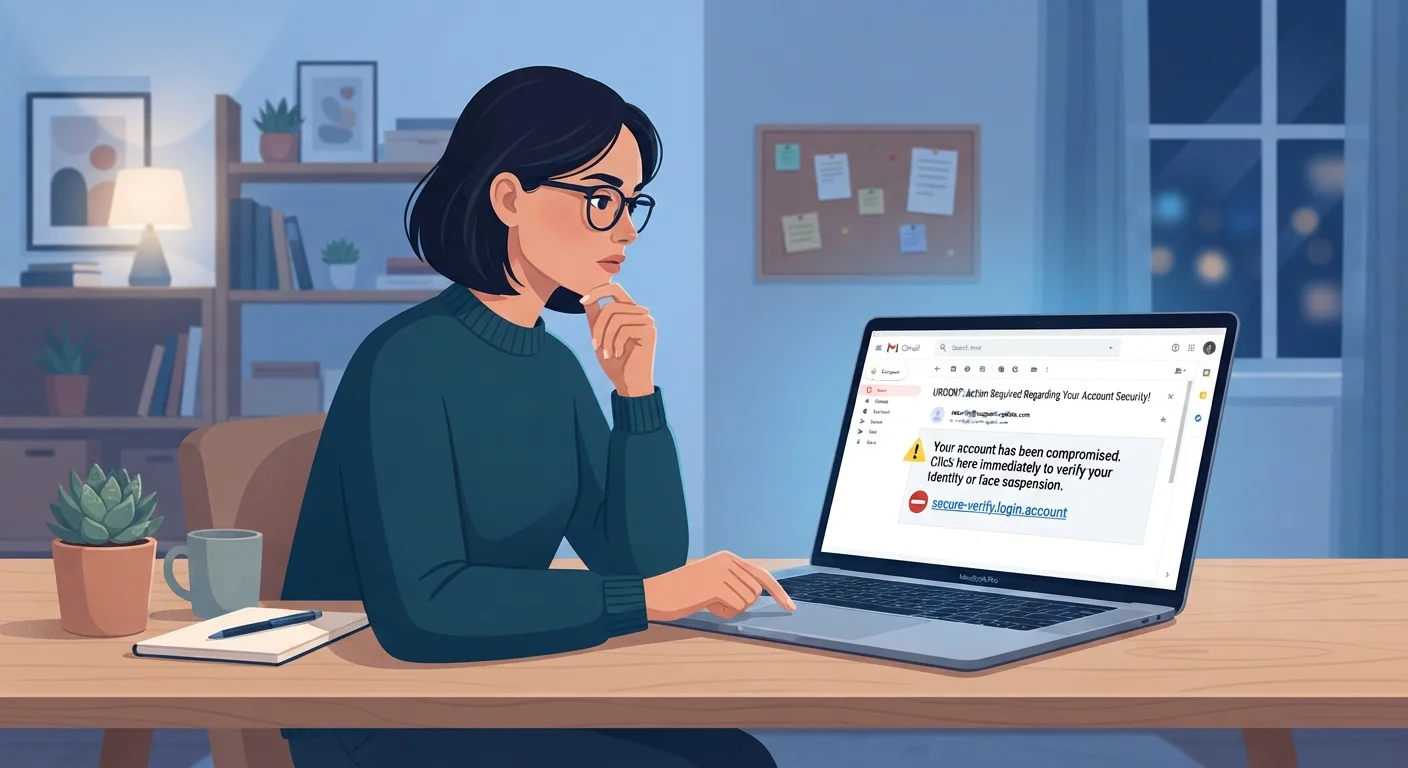
Photo credit: GadgetLite.net | All Things Tech
In this article
Small, consistent behaviours — like pausing before clicking — can significantly reduce your exposure to phishing fraud.
Key Takeaways
- Phishing attacks rely on urgency and impersonation - slowing down disrupts both tactics effectively.
- Verifying sender addresses and hovering over links before clicking catches most fraudulent messages.
- Enabling multi-factor authentication limits damage even if your credentials are stolen.
- Keeping software updated closes security gaps that phishers actively exploit.
- Reporting suspicious messages helps protect your contacts and the broader community.
Why Phishing Still Works on Smart People
Phishing - the practice of tricking someone into handing over sensitive information through a deceptive message - succeeds not because its targets are careless, but because attackers are skilled at mimicking trust. A convincing email from what appears to be your bank, your employer, or a delivery service can look nearly identical to the real thing. The difference is almost always in the small details, and building habits that surface those details is the most reliable defense you have.
Understanding the goal helps. Phishers want you to act before you think - clicking a link, entering a password, or downloading a file on impulse. Every habit described in this article is designed to interrupt that impulse and give your critical thinking a chance to catch up. See how common account habits can compound your exposure when combined with phishing susceptibility.
Proven Habits That Reduce Phishing Risk
The following practices are grounded in security research and used by cybersecurity professionals. None require technical expertise - just consistency.
Pause before clicking any link in an unexpected message
Urgency is the attacker's most powerful tool. A deliberate pause breaks the impulsive response they're counting on and gives you time to evaluate the message critically. Even a five-second delay is enough to notice something that felt wrong.
Check the actual sender address, not just the display name
Email clients often show a friendly display name that looks legitimate while hiding a suspicious sending address underneath. Attackers exploit this by setting the display name to 'PayPal Support' while the real address is a random domain. A quick look at the full address reveals the mismatch.
Hover over links to preview the destination URL before clicking
The text of a hyperlink and its actual destination can be completely different. Hovering reveals the real URL in your browser's status bar, allowing you to spot misspelled domains or suspicious redirects without visiting the page.
Enable multi-factor authentication (MFA) on all important accounts
MFA - which requires a second verification step beyond your password, such as a code sent to your phone - means that even if a phisher captures your login credentials, they still cannot access your account without that second factor. It is one of the most effective protections available.
Report suspicious messages rather than simply deleting them
Reporting phishing attempts to your email provider, employer IT department, or the impersonated organization helps those parties block the campaign and protect others. Deletion removes a threat from your inbox but does nothing to stop it spreading.
Start Here: Quick Actions You Can Take Today
You don't need to overhaul your digital life overnight. These immediate steps close the most commonly exploited gaps right away. Building on these, the Password & Account Safety hub offers straightforward guidance on keeping your credentials secure alongside your phishing defenses.
Staying Consistent Over Time
Habits only protect you when they're applied every time - including when you're tired, distracted, or in a hurry. Phishers know this, which is why many attacks arrive on Friday afternoons or during busy periods. Building these behaviors into your routine, rather than treating them as occasional checklists, is what makes the difference.
Consider applying these same principles to your broader privacy practices. The Privacy Basics hub covers how to limit the personal data exposure that makes targeted phishing attempts more convincing in the first place. Protecting yourself is a layered effort - each habit reinforces the others.
When a Message Feels Off, Trust That Instinct
Security researchers consistently find that people often sense something is wrong before they can articulate why - an unusual greeting, slightly off branding, or a request that doesn't quite fit normal patterns. That instinct is a valuable signal, not paranoia. If a message feels strange, verify through a separate channel before taking any action it requests. Contacting the sender directly using a phone number or address you already have on file - not one provided in the suspicious message - is the safest approach.
This article is for informational purposes only. No security practice can guarantee complete protection against all phishing attempts. If you believe you have been targeted or compromised, contact your financial institution and relevant accounts immediately.

Author
Cyber Security Editorial Team
Cyber Security Editorial Team is the collective byline for our editorial team and contributor network. Articles published under this byline or an editorial pen name are researched, written, and reviewed according to our editorial standards for clarity, consistency, and independence before publication.
View all articles →